

Top 10 Hard Drive Manufacturers for Global Buyers
Choosing a Hard Drive manufacturer is a practical decision, not just a search for the lowest quoted price. Global buyers must compare capacity, performance, reliability data, warranty terms, and access to technical support. A drive suited to a desktop backup system may not fit a data center’s workload. Small differences matter.
This guide introduces ten manufacturers and considers what buyers should check before requesting a quote. Product range is one useful measure. So are interface options, workload ratings, quality-control practices, supply consistency, and clear documentation. For example, a buyer evaluating a 16 TB drive should confirm its intended workload, operating environment, and warranty coverage—not rely on capacity alone. Regional availability and realistic lead times also deserve attention, especially when a project requires matching units over several months.
Specifications do not tell the whole story. No ranking can capture every buyer’s reality. A company may offer a strong product but limited local service, while another may provide easier procurement and support. That trade-off is easy to overlook. The manufacturers discussed here should therefore be viewed as candidates for comparison, not automatic recommendations. Buyers should verify current product details directly and assess each option against their own application, budget, and support requirements. A little careful checking can prevent an expensive mismatch.
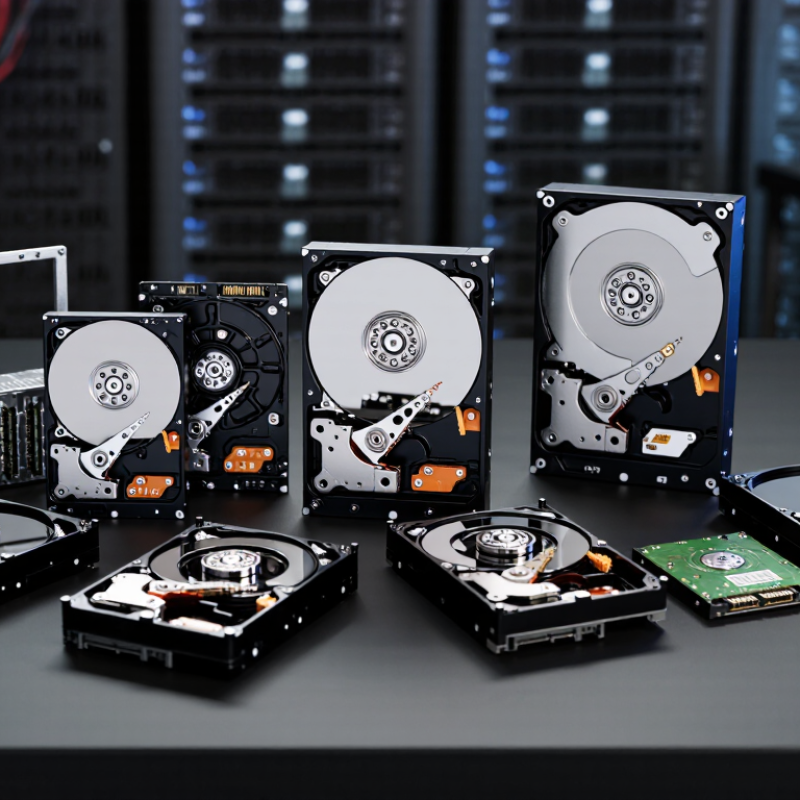
Define the Global HDD Market and the Criteria for Comparing Its Top 10 Suppliers
The global hard disk drive market covers magnetic storage devices used in personal computers, surveillance systems, network storage, and data centers. Capacity-focused enterprise drives serve large-scale cloud storage, while other segments prioritize cost, workload, or compact size. IDC’s Data Age 2025 forecast projected that global data creation and replication would reach 175 zettabytes in 2025, compared with 33 zettabytes in 2018. This is a measure of data growth, not HDD demand: much of that data is stored or processed elsewhere. Still, it shows why buyers compare capacity and cost per terabyte carefully.
A useful top-ten comparison should score suppliers on more than maximum capacity. Check available capacities, recording technology, workload ratings, interface options, warranty terms, and documented reliability figures. Compare figures only when test conditions match. Trendfocus quarterly HDD shipment tracking can help buyers understand shifts between client and nearline segments; shipment volume alone, however, says little about product suitability. For a data-center purchase, examine sustained workload needs, vibration tolerance, power use, and supply consistency. For a small storage room, noise and heat may matter more. Small details count. Published specifications are not a promise of identical field performance, and supplier rankings can hide that gap. That is useful, but imperfect.
Top 10 Hard Drive Manufacturers for Global Buyers - Define the Global HDD Market and the Criteria for Comparing Its Top 10 Suppliers
Market scope: Hard disk drives (HDDs) store data magnetically on rotating disks. The global HDD market includes drives for data centers, enterprise systems, network-attached storage, surveillance, desktop computers, and external storage. Large-scale HDD manufacturing is highly concentrated, so a comparison should not assume that ten independent suppliers manufacture HDDs at global scale. The criteria below provide a practical, brand-neutral framework for evaluating available suppliers and products.
| Comparison dimension | What to compare | Evidence or unit | Why it matters to global buyers |
|---|---|---|---|
| Market and workload fit | Confirm that the drive is designed for the intended use, such as nearline data-center storage, NAS, surveillance, desktop, or external storage. | Product specification and stated workload category | Drives designed for different workloads can have different duty-cycle, workload, vibration, and firmware characteristics. |
| Capacity and recording technology | Compare usable capacity per drive and confirm the recording technology and host-system compatibility specified for the product. | Capacity in TB; product datasheet | Capacity affects rack space, drive count, system cost, and rebuild planning. Some recording methods may require compatible host handling. |
| Form factor and physical fit | Check the drive’s physical size, mounting requirements, and enclosure compatibility. Common HDD form factors include 3.5-inch and 2.5-inch models. | Form factor and mechanical dimensions | A drive must fit the chassis, trays, cooling design, and storage-system configuration. |
| Interface and compatibility | Verify the interface supported by both the drive and the host, such as SATA or SAS, along with connector and controller requirements. | Interface specification and supported link rate | SATA and SAS systems are not interchangeable in every configuration; compatibility should be checked before procurement. |
| Performance | Compare sequential transfer rate, random-access behavior, and workload-specific performance rather than relying on a single headline speed. | MB/s, IOPS, and workload test results | Performance needs vary between large sequential transfers and workloads with frequent small or random reads and writes. |
| Workload rating and reliability disclosures | Review the rated annual workload and published reliability measures. Compare figures only when their definitions and test conditions are clear. | TB/year, AFR, and MTBF as stated in the datasheet | Workload ratings help assess intended operating duty. AFR and MTBF are statistical measures, not guarantees of an individual drive’s service life. |
| Power, heat, and acoustics | Evaluate operating and idle power, thermal requirements, and noise for the intended enclosure and environment. | Watts, temperature limits, and dBA where published | Power and heat affect data-center operating costs and cooling; acoustic output can matter in offices and home environments. |
| Warranty and service coverage | Check warranty duration, regional terms, return procedures, and access to technical support. | Warranty period and published service terms | Coverage and replacement processes can differ by sales region and purchasing channel, affecting downtime and total ownership cost. |
| Availability and supply continuity | Assess confirmed lead times, regional distribution, product lifecycle status, and the supplier’s ability to support repeat orders. | Written availability, lead-time, and lifecycle information | Consistent supply is important for large deployments, maintenance stock, and standardized system builds. |
| Total cost and procurement risk | Compare purchase price alongside capacity, power use, warranty, shipping, taxes, qualification needs, and expected replacement logistics. | Cost per TB and estimated total cost of ownership | The lowest purchase price may not deliver the lowest lifetime cost when deployment, energy, support, and replacement expenses are included. |
Comparison note: Specifications are product- and model-specific. Buyers should verify current datasheets, compatibility lists, warranty terms, and regional availability before making a purchasing decision.